
Every job in MyRecords, step by step
Seventeen short guides, one for each part of the system. New here? Start with these two.
Looking for one screen? Press Ctrl K to search every guide.
Pictures show the fictional Demo Traders Pvt Ltd. Your screens show only the apps in your plan and the buttons your role allows.
Guides by job
Find the guide for your job
-
I am new
Sign in, find your way, learn the controls every screen shares.
-
I sell
Quote, deliver, bill, chase payment and work your leads.
-
I buy, store or make
Order from suppliers, receive goods, count stock, run production.
-
I keep the accounts
Payments, bank reconciliation, GST files, reports and loans.
-
I look after people
Employees, attendance, leave, expenses, payroll and sign-ins.
-
I answer customers
Tickets, replies, service levels, help articles and team chat.
-
I run the business
Figures across the business, approvals, Party 360, the AI Assistant.
-
I am an employee
Check in, apply for leave, claim expenses, see your payslips.
Inside the product
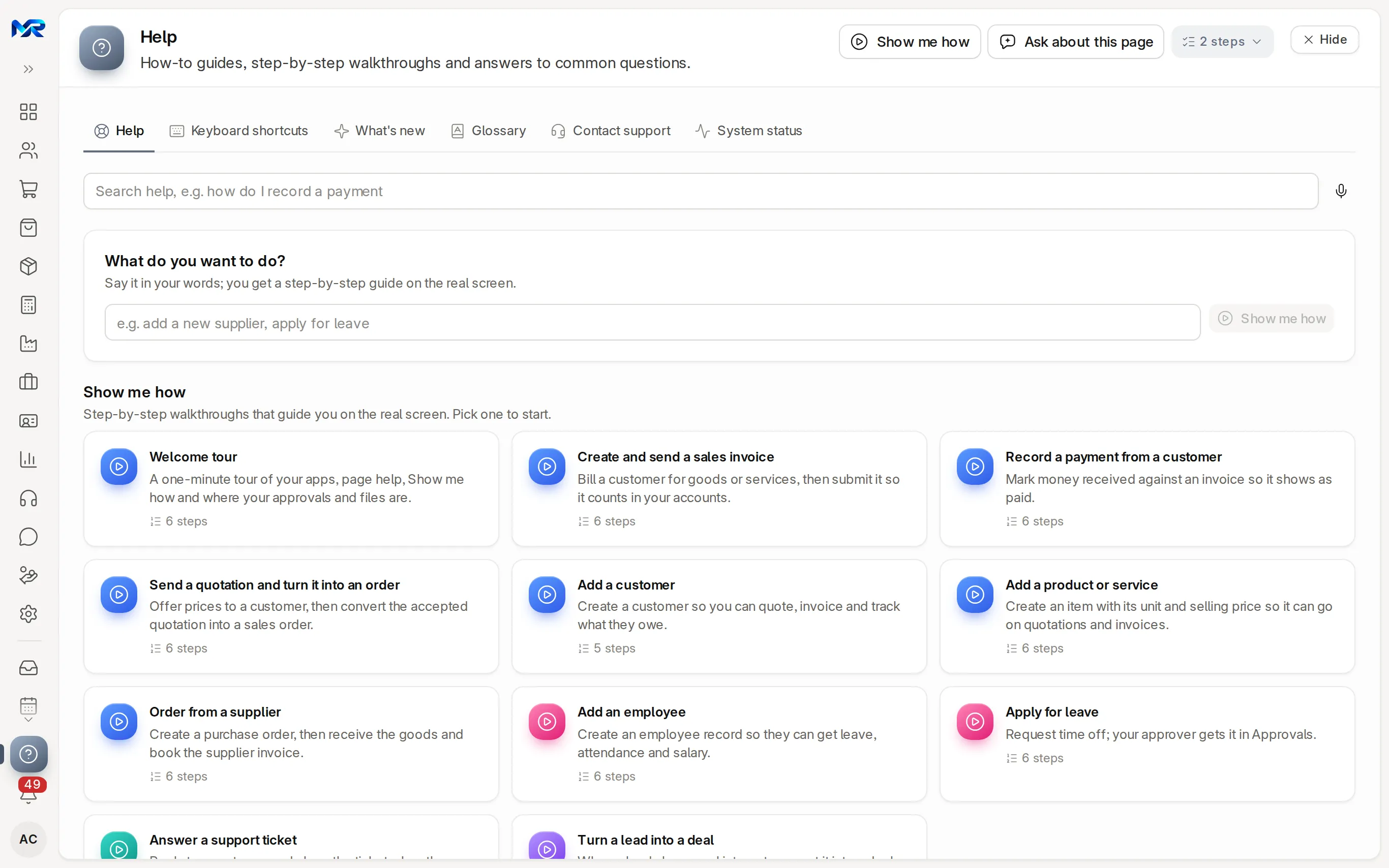
Help on every screen
The top of every list, record and report explains itself.
How page help works- Show me howA walkthrough on the real screen, step by step.
- How this page worksA few more lines about the screen you are on.
- Ask about this pageThe AI Assistant explains the page, its fields and your next step, when your company has the add-on.
- Help, near the foot of the railThe guides for your screen and walkthroughs for the top jobs.
Still stuck?
Ask the team that set it up.
In MyRecords, Show me how walks you through any page. For your plan or a change, write to us.
- Updates and fixes included
- Changes whenever you want