















Platform
Each person sees only their job.
Ready-made access packs, limits by company or warehouse, and view-only that really means view-only.
All 10 parts work today
- Part of
- Every module
- the platform under every app and module
- Users
- Unlimited
- no per-user fee on any module
- Runs on
- Your server
- or a dedicated system on MyRecords Cloud
- Core ready in
- 1–2 weeks
- set up by our team with the modules you pick
In short
In MyRecords, what a person can open is decided on the server, record type by record type, and the screens follow it. Ten ready-made access packs (Sales, Accounts, HR, Support and more) give a new user the right roles in one step, nine more templates cover common jobs such as a munim, and "Invite your CA" gives your accountant access that ends on a date you pick. You can limit someone to one company, territory or warehouse, and employees see only their own leave, payslips and loans. Anything a person cannot open is not shown to them at all, and view-only access shows no create, edit or delete buttons.
The details
What it covers.
10 of 10 work today
- Works today 10
-
Ten access packs, nine job templatesWorks today
Employee, Sales, Purchasing, Inventory, Accounts, Manufacturing, Projects, HR, Support and Lending, plus "Access packs for common jobs": Owner, Admin (limited), Accountant (external CA), Munim (book-keeper), Store keeper, Salesperson, Collection agent, HR and payroll, Branch manager. Add a pack to a user and they get its roles; removing a pack does not take roles away.
-
Roles per record typeWorks today
For each kind of record, a role may read, write, create, submit, cancel or delete. A cashier can bill without being able to cancel an invoice.
-
Limit by company, territory or warehouseWorks today
Restrict a person to one company, one sales territory or one godown. Lists, reports and search follow the limit.
-
Their own records onlyWorks today
Employees see their own leave, salary slips, expense claims and loans. Support agents see the tickets assigned to them.
-
Fields some people never seeWorks today
Sensitive fields sit at a higher permission level and are absent for anyone without it. PAN, Aadhaar, passport and bank account numbers show masked, with a logged Show for those allowed.
-
What you cannot open is not shownWorks today
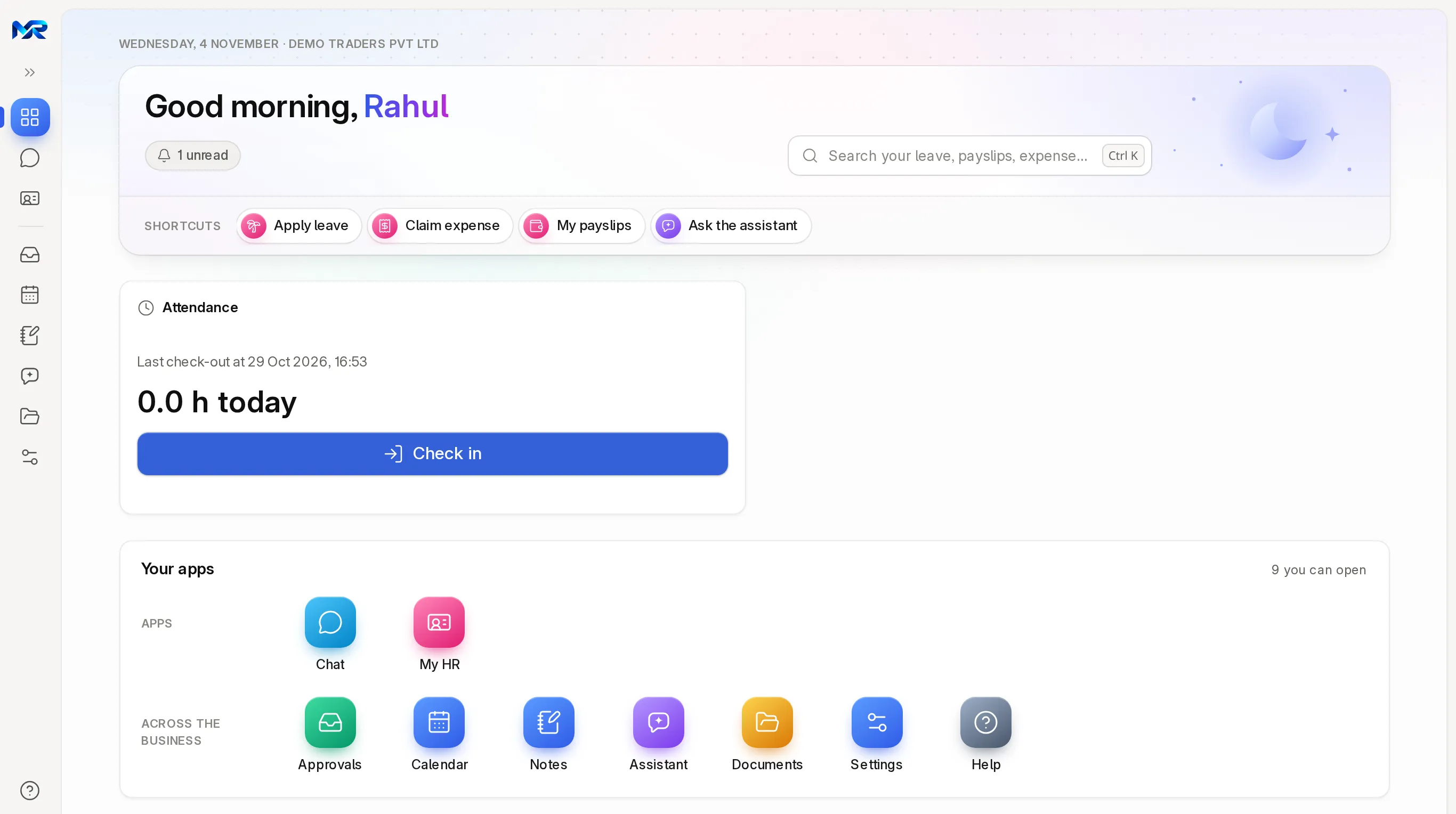
Menus, search, Home and help list only what the person can open. View-only access shows no create, edit or delete anywhere.
-
Typed links are refused tooWorks today
If someone types the address of a page they may not open, they see "You don't have access" and the server refuses the request. Hiding a button is never the only protection.
-
Approvals and delegationWorks today
Ready-made approval steps for purchase orders, material requests and expense claims, leave approvals, and a workflow for any other document such as quotations. One Approvals inbox, a stand-in while you are away, and a reminder when a step waits too long.
-
"Why can't someone see something?"Works today
On the Administration home, pick a person, a kind of record and an action. The answer says yes or no, why, and which access pack or role would allow it.
-
Invite your CAWorks today
"Invite your CA" gives your CA an access pack (Accounts by default, or one you choose) that ends on a date you pick; the login then switches off by itself.
Questions
Questions people ask
Something else on your mind?
Ask us anything about it. A person from our team replies.
Ask a question01Do I pay for each login?
No. Users are unlimited on every module. Add as many people, roles and view-only logins as you need.
02Can a salesperson see salaries or system settings?
Not unless their role allows it. On the demo company the server refuses the sales login other employees' records, customers' loans and system settings.
03What does a view-only user see?
The records and reports their role may read, with no New, Edit or Delete buttons anywhere. Typing an edit address does not help; the server refuses it.
04Can I switch off a whole module for everyone?
Yes. Our team switches modules on or off for your system; a module that is off does not appear on any page and its background jobs do not run.
05Can managers approve from a phone?
Yes. The approvals inbox works in any phone browser, and each request can be approved or rejected from its row.
Last updated Applies to MyRecords 3 Nov 2026 release
Next step
See it on your own numbers.
A live demo on our sample company, with our team. Or ask us for a quote first.
Live demo
Book a walk-through
- On our sample company, for your kind of work
- A quote for the modules you need
- Your questions, answered by our team