















Switching from Excel
From spreadsheets to one set of books.
Fill our templates, fix what fails, and start with balances you have checked.
- Unlimited users
- Pay only for the modules you use
- Core ready in 1–2 weeks
- Customised to your requirements
In short
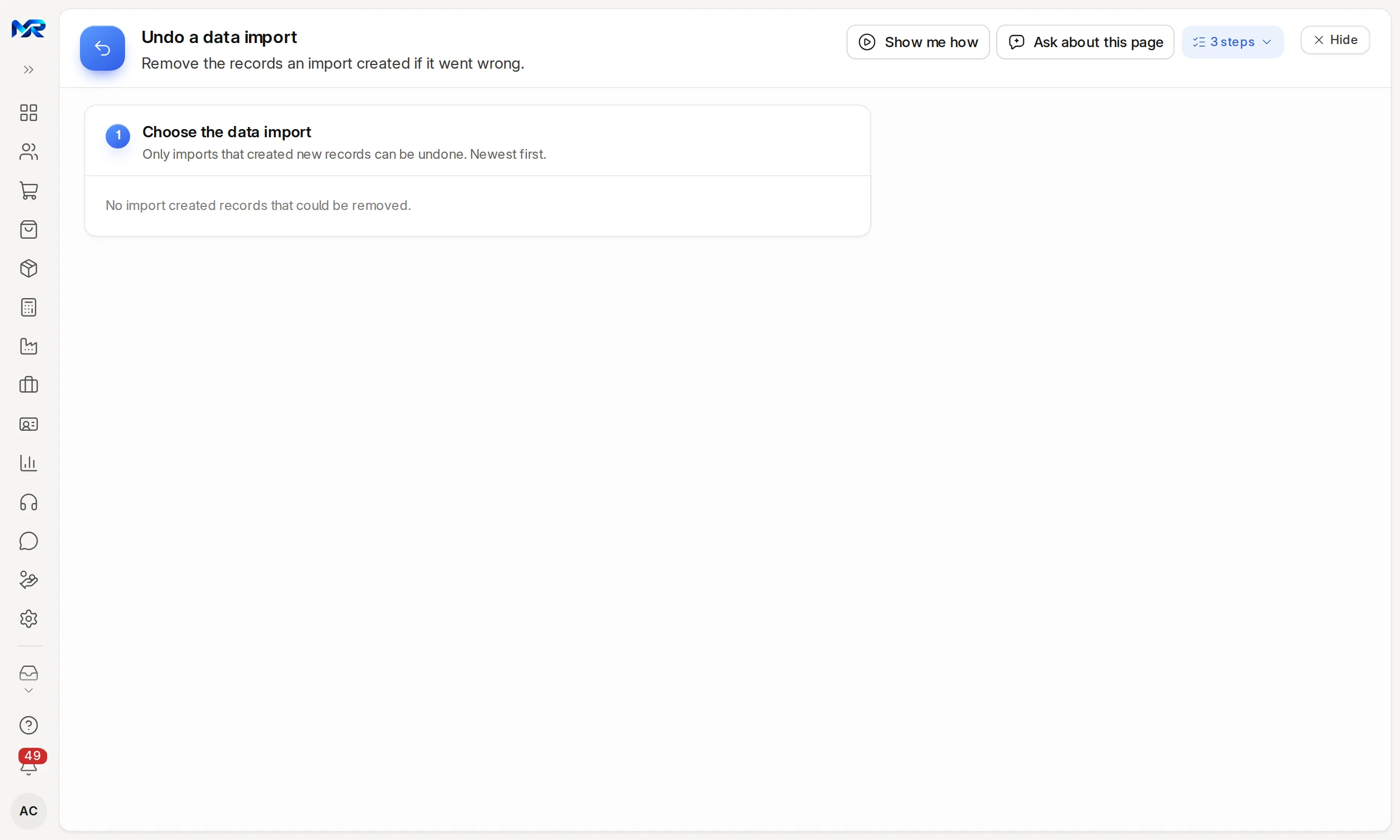
MyRecords gives you an Excel template for each list: customers, suppliers, items, employees, opening balances, opening stock and open bills. Fill them from your sheets and upload; the import screen shows which column fills which field, checks every row like a screen entry, and lists each row that fails with the reason, so you fix only those. An import that created new records can be undone as a whole. Customer and item sheets can also go through the setup wizard, which shows a dry run first. With the AI Assistant, a photo or PDF of your trial balance becomes the opening-balance lines and your GST certificate fills the GST details, for you to check.
Before and after
Why people move.
What changes when Excel gives way to one system.
-
Today: Three people keep three versions of the same customer sheet.
With MyRecords: One customer list, with GSTIN checked, that every user sees.
-
Today: Stock in the sheet never matches stock on the shelf.
With MyRecords: Every purchase, delivery and transfer moves stock by warehouse, so the count is the books.
-
Today: GST time means a weekend of copying invoices into the return format.
With MyRecords: Invoices feed the GSTR-1 and GSTR-3B files for upload straight from the books.
-
Today: Salaries are a formula sheet only one person understands.
With MyRecords: Payroll runs a nine-step pay run with PF, ESI, PT and TDS worked out, and makes the statutory files.
Why one system
Six tools that never agree. One that does.
A billing app, an Excel stock sheet, an accounting package and a lot of WhatsApp. In MyRecords the bill, the stock, the books and the follow-up are one record, entered once.
- Billing appGST done elsewhere
- Excel stock sheetNever matches the godown
- Accounting packageRe-typed every month
- WhatsApp groupsOrders lost in chats
- Payroll sheetPF and ESI by hand
- Complaint registerNobody owns the ticket
1 login · 1 set of books · unlimited users
6 steps
How the move works.
Every step is checked with you before the next one starts.
-
Download the templates
In Administration › Import data, pick what you are importing and download its template, so the headers match exactly.
-
Fill from your sheets
Copy your data in, one file per list. Masters first, because later lists refer to them.
-
Check the columns, then import
The screen shows which column fills which field and which it will skip. Each row is checked like a screen entry; invoices and entries can come in as drafts for you to check before they are submitted.
Accounting -
Fix what failed
Rows that fail are not imported. Download them with the reason, fix the file and import the fixed rows. An import that created new records can be undone.
-
Opening position
Opening balances from your trial balance, opening stock by warehouse, and unpaid bills as opening invoices.
Accounting -
Check with your accountant
Your accountant reviews a 20-row sample and the opening trial balance. Then you start billing in MyRecords.
India compliance
Your data
What moves, and how.
Item by item, from Excel to MyRecords. Every file is checked before anything is imported.
| What | How it moves |
|---|---|
| Customers and suppliers | Our template, or the setup wizard's "Another app or Excel" option, which picks your own column names for you to confirm and shows a dry run. |
| Items and price lists | Template, or the wizard, with code, HSN or SAC, unit, GST rate and prices. |
| Employees | Template with department and designation for HR; salary structures are assigned before the first pay run. |
| Opening balances | One opening entry from your trial balance. With the AI Assistant, a photo or PDF of the trial balance fills the lines for you to check. |
| Opening stock | Quantity and value by item and warehouse on the opening-balance date. |
| Unpaid bills | As opening invoices, so "Who owes you" and ageing are right from day one. |
| Your GST details | Typed in the setup wizard, or read from your GST registration certificate with the AI Assistant. |
Timeline
Week by week, to go-live.
Nothing goes live until the checks pass and you agree.
-
Week 0
Look at your sheets together. Agree the start date and the opening-balance date.
-
Week 1
Masters through templates. Check, import, fix what failed.
-
Weeks 1–2
Opening balances, stock and unpaid bills. A 20-row sample reviewed by your accountant.
-
Week 2
Opening trial balance, party balances and stock agreed with your accountant.
-
1–2 weeks
Keep your sheets going alongside, until three days in a row match with no manual fix.
-
Go-live
You work only in MyRecords. A go-live backup is kept and the sign-off starts support.
Go-live checklist
5 checks, signed off with you
- Opening trial balance agreed with your accountant.
- Customer and supplier balances match your last statement.
- Stock by item and warehouse matches a physical count or your last stock sheet.
- Bank and cash match the statements.
- GSTIN present and valid on every registered party.
6 modules
What you run after the move.
Most businesses like this start here. Every module shares one set of books, one login and one list of customers and items.
- Accounting Ledgers, bank reconciliation and financial statements, in your currency.
- India compliance India’s GST, TDS and e-invoice files from your own books.
- Sales Quotation to payment in one connected chain.
- Purchasing Material requests to supplier payments, with AI bill reading.
- Inventory Stock by warehouse, batch, expiry and serial, with reorder alerts.
- Payroll A nine-step pay run; India’s PF, ESI, PT and TDS built in.
Honest fit
When to stay where you are.
We would rather say so now than after you have paid.
Compare the options fairly- If you bill fewer than a few dozen invoices a month and are happy, a low-cost billing app may be enough for now.
- If you want to sign up and start alone tonight, MyRecords has no self sign-up; every system is set up with you.
- If your sheets hold years of history you must keep searchable, note that only open items move by default; history moves at extra cost.
Questions
Questions people ask
Something else on your mind?
Ask us anything about modules, a quote or moving across. A person from our team replies.
Ask a question01Do I have to retype everything?
No. You copy your existing columns into our templates, or let the setup wizard pick your own customer or item columns.
02What happens to rows with mistakes?
They are not imported. The import lists each failed row with the reason; download them, fix the file and import the fixed rows. Rows that passed stay in.
03Can I undo an import?
Yes, an import that created new records can be undone as a whole from Undo a data import. An import that updated existing records cannot be undone this way.
04Can AI read my trial balance?
With the AI Assistant, yes. A photo or PDF of the trial balance becomes opening-balance lines matched to your chart of accounts. You check them before saving.
05How long does it take?
About two weeks to a checked opening position for a small business, then one to two weeks alongside your sheets.
06What does it cost?
Masters and opening balances from our templates are part of the setup fee. Data cleansing, if your sheets need it, is quoted up front. See data migration.
Last updated
Next step
See it on your own numbers.
A live demo on our sample company, shaped to your kind of work, with your questions answered. Or ask us for a quote first.
Live demo
Book a walk-through
- On our sample company, for your kind of work
- A quote for the modules you need
- Your questions, answered by our team