















Data migration
Your data in, totals checked.
Masters and opening balances are part of setup. Older history moves if you want it, quoted up front.
- Masters and opening balances
- Included
- in the one-time setup
- Past years of history
- On request
- from Tally or other tools, quoted for your data
- Checked before submitting
- 20 rows
- sampled by your accountant
- Every import
- Columns checked
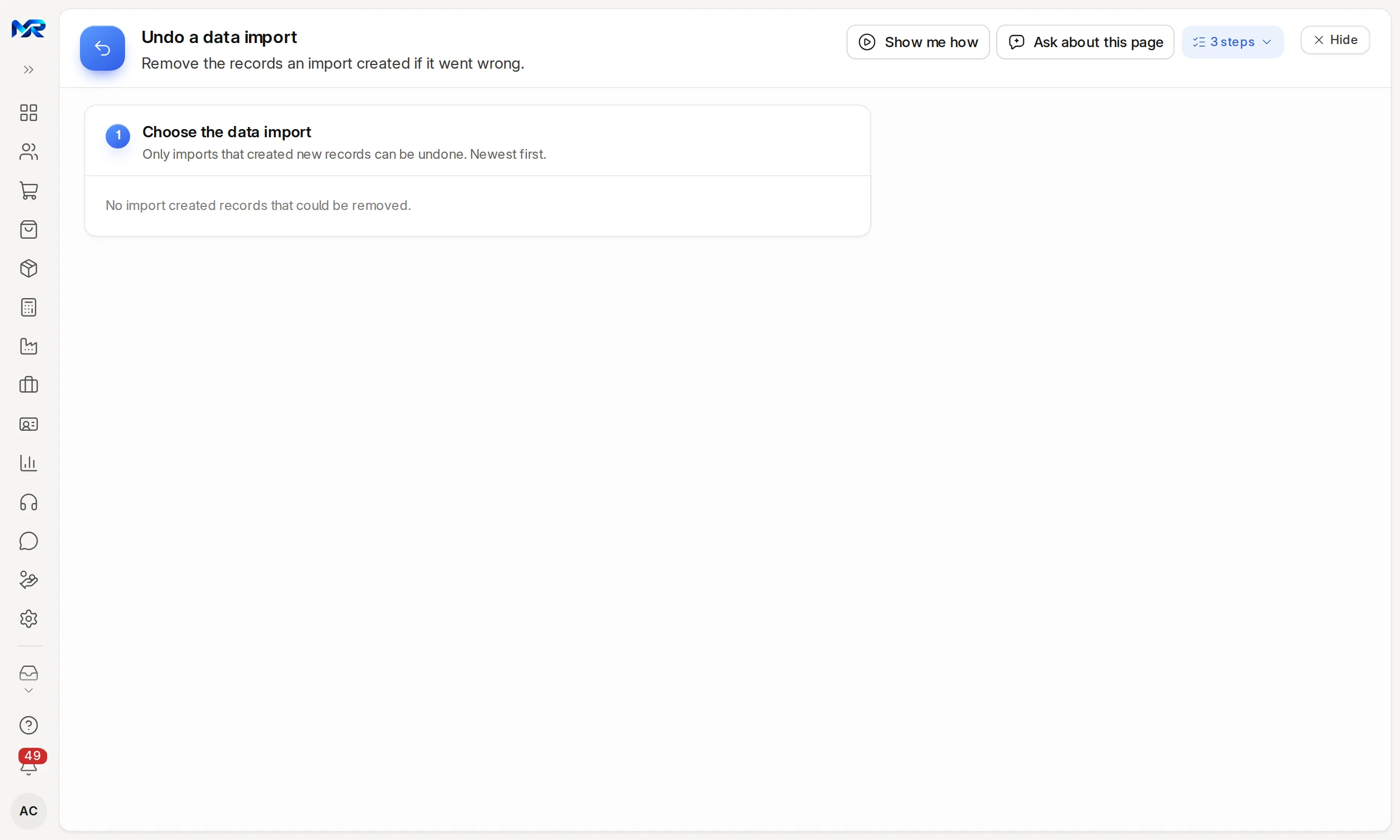
- first; one that created new records can be undone
In short
Data migration moves what you need from your old software into MyRecords. Masters (customers, suppliers, items, chart of accounts) and opening balances are part of the setup fee. From Tally, we move your masters, balances and Day Book, and check the totals with you. From Busy, Vyapar or Zoho Books, parties and items come straight from your export. From any other software or spreadsheet, your exports move through our Excel templates. Each file is checked before anything is created, and an import that created new records can be undone.
5 steps
How it runs.
Each step is agreed with you before the next one starts.
-
Week 0
Look at your data
What each file holds, how many rows, and the date it is current to. We agree the opening-balance date, the day before you start in MyRecords.
-
Week 1
Masters, in order
Groups, customers and suppliers, addresses and contacts, items, employees, then accounts. Later lists refer to earlier ones, so order matters.
-
Weeks 1–2
Balances and open documents
Ledger opening balances, opening stock by godown, unpaid bills as opening invoices, and open orders. An accountant reviews a sample of 20 rows before anything is submitted.
-
Week 2
Reconcile
Trial balance, party balances and ageing, stock quantity and value, bank and cash, counts, and GSTIN on every registered party, compared column by column. The comparison sheet stays on your file.
-
Cutover
The last gap
What happened during the parallel run is imported with the same tools and reconciled again for the cutover date.
Scope
What is included, and what is not.
In writing before you sign, so nothing surprises you later.
Included6
- Customers, suppliers, items and chart of accounts
- Opening balances, opening stock and unpaid bills as of your opening-balance date
- From Tally XML: party ledgers as customers and suppliers with GSTIN, stock groups, units, godowns and items with HSN, opening stock (as a draft count you check), BOMs (as drafts) and Day Book vouchers as journal entries; your other ledgers are set up in the chart of accounts with you first
- From Busy, Vyapar and Zoho Books exports — parties with opening balances, and items with HSN or SAC, unit and prices
- A check before every import (Check the columns, or a preview of what will be created), and Undo for an import that created new records
- The reconciliation sheet, kept with your sign-off
Not included3
- History older than the opening date, unless you add it to your quote
- Tally sales and purchase vouchers with item lines as vouchers — not imported yet; open ones move through templates
- Cleaning up duplicate or messy records, unless you add data cleansing
Your quote
Quoted for your business.
Masters and opening balances from Tally XML or our Excel templates are part of the setup fee. Older history (1, 2–3 or 4–5 years) and data cleansing are optional, quoted up front by the years you move and the size of your data, at our best price. It works the same from software in any country. Get a quote.
Always true
- Users are unlimited. Nothing is priced per person.
- Software updates and bug fixes are included.
- Custom work is quoted in writing before we start.
- Works in any country; quoted in US dollars outside India.
Questions
Questions people ask
Something else on your mind?
Ask us anything about modules, a quote or moving across. A person from our team replies.
Ask a question01Can you import my whole Tally company?
We move your Tally masters, balances and Day Book, and check the totals with you. Day Book vouchers become journal entries. Sales and purchase vouchers with item lines are not imported as vouchers yet.
02Has the Tally importer run on real company data?
Not yet. It has been tested on Tally's own sample export. That is why every Tally step shows what it will create before anything is created, and the totals are checked side by side with Tally before you go live.
03Is there an importer for Marg or other software?
Not a special one. Their data moves as Excel or CSV files — the company setup's Import your data step matches party and item columns for you, and our templates carry the rest, each checked before it is imported.
04What if an import goes wrong?
Import data checks the columns first, and rows that fail are listed for you to fix and import again. An import that created new records can be undone as a whole and run again; a Tally Day Book batch is undone by cancelling its journals, and nothing is deleted.
05Can we import more ourselves after go-live?
Yes. Administrators have Import data (any list, from a spreadsheet, with a column check and undo), and the Tally imports for day books, stock masters, opening stock and BOMs each show a preview first.
06Do we lose our old years?
No. Your old system stays readable for 12 months after cutover. Only what is still open moves by default; older history can move too, quoted up front.
07Can AI read our trial balance?
With the AI Assistant add-on, a photo or PDF of your trial balance becomes opening-balance lines matched to your chart of accounts, for you to check. The GST certificate can fill your GST settings the same way.
08Can we take our data out later?
Yes. Every list and report exports to Excel, CSV or PDF, journals and purchase bills also export as Tally XML for a CA who still uses Tally, and on leaving you get a full export in open formats within 30 days of notice.
Last updated
How we work with you
Ready in weeks. Shaped to you. Your data stays yours.
You choose the modules. We set them up, change anything you need, and keep the system updated, without looking at your records.
-
Pick what you need. We set it up.
Choose from the modules and features that already exist. We set up everything: your data, users, print formats and training.
-
100% customisable
Fields, screens, workflows and reports, changed by our team to fit the way you work. Quoted before we start.
-
Rebuilt around you, if needed
If your process needs it, we redesign and rebuild any part of the system to your requirement.
-
Zero access to your data
Once you go live, our team does not open your records. For a fix, you grant access for that job, and it ends with the job.
-
Regular updates and bug fixes
Regular updates and bug fixes, included in every cloud plan and AMC tier, with GST, TDS, PF, ESI and PT changes.
-
Changes whenever you want
Ask for a change, an addition or a fix at any time, and our team takes it from there.
Next step
See it on your own numbers.
A live demo on our sample company, shaped to your kind of work, with your questions answered. Or ask us for a quote first.
Live demo
Book a walk-through
- On our sample company, for your kind of work
- A quote for the modules you need
- Your questions, answered by our team