















Most businesses that come to us keep their books in Tally. Moving off it is the part owners worry about most, and rightly: if the opening balances are wrong, nothing after them can be trusted. This is how we do it, step by step, and what our import can and cannot do today.
Week 0: decide what moves
We start with what you use today: Tally for the books, perhaps Excel for stock or salaries, perhaps paper. Together we fix two dates:
- the cutover date, the first day everything happens in MyRecords. The start of a month is best; the start of a financial year is ideal;
- the opening-balance date, the day before.
History older than the opening date stays in Tally, which you keep read-only for reference and audits. Only what is still open moves: balances, stock, unpaid invoices and open orders.
Week 1: masters
Masters come first, because everything else links to them. From Tally’s XML export come your customers and suppliers (the ledgers under Sundry Debtors and Sundry Creditors) and your stock groups, units, godowns and items with their HSN codes. We load the chart of accounts from your trial balance, and staff and anything kept in Excel through our import templates.
Weeks 1 to 2: balances and the Day Book
Opening balances, opening stock and open orders come next. Opening stock can come straight from the Tally stock export, as a draft stock count you check; bills of materials come in as drafts too. If you want past transactions, the Day Book comes across as journal entries.
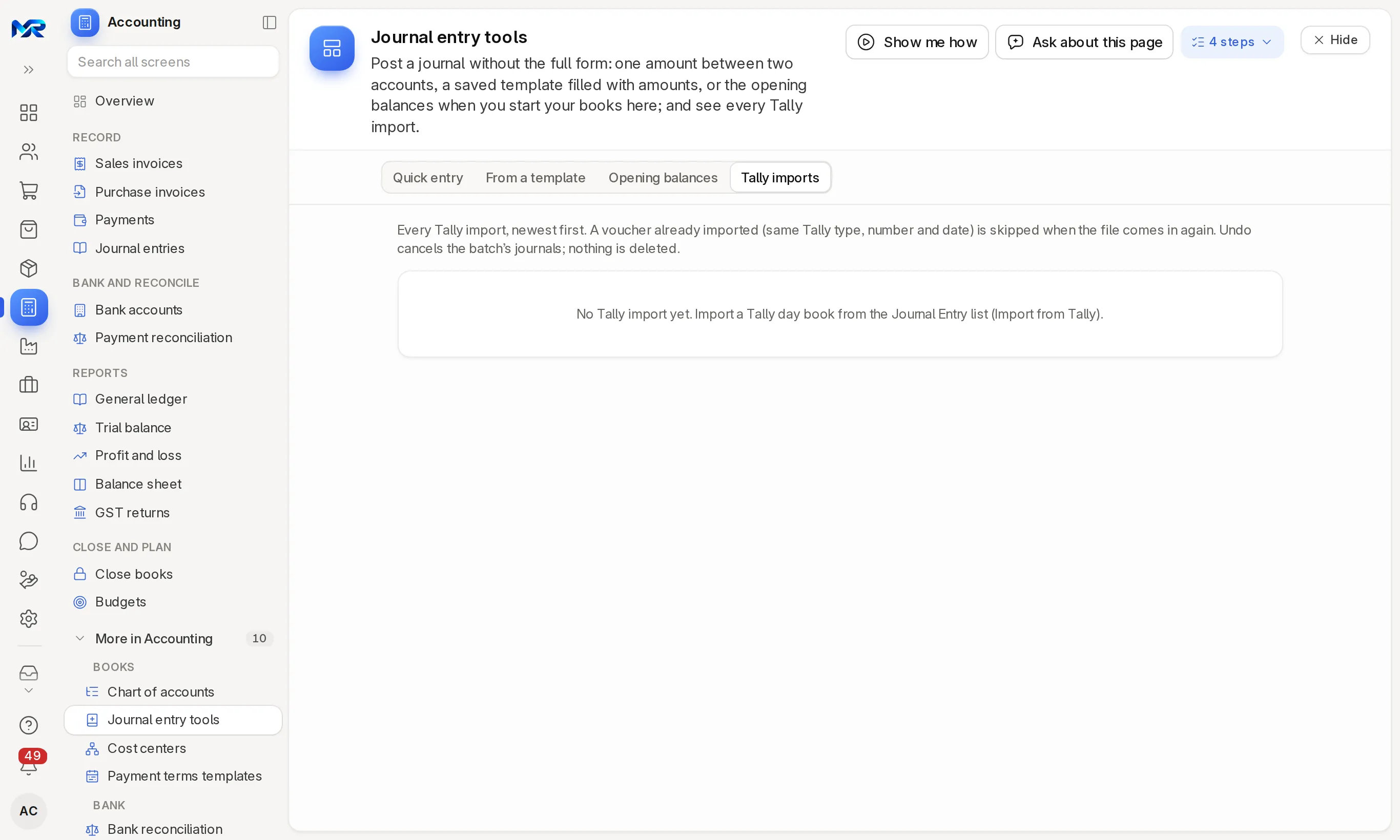
Every Tally import runs as a dry run first. It lists every voucher and every problem, such as a ledger that does not exist or a party that is missing, and saves nothing. We fix the masters until the dry run is clean, and only then import; the import is all or nothing. A voucher already imported is skipped if the file comes in again. If a result is wrong, Undo under Journal entry tools › Tally imports cancels the whole import; nothing is deleted, so the audit trail stays.
Then: the parallel run
For one to two weeks you work in both systems. Every day we compare the trial balance and stock. We go live when three days in a row reconcile with no manual fix. Then you sign off, and we stay close for 30 to 60 days after go-live, depending on the size of the business.
What our Tally import cannot do yet
We would rather say it here than surprise you later:
- It brings across customers and suppliers, stock masters with opening stock, BOMs and Day Book vouchers as journal entries. It does not build the chart of accounts or ledger opening balances from Tally; we load those from your trial balance.
- Sales and purchase vouchers come in as journal entries, without their item lines. Open invoices come in as opening invoices and stock as an opening stock count instead.
- It has been tested on Tally’s own sample export, not yet on a client’s real company. That is why every move starts with a dry run on your data, and why we check the totals with you.
What is included
Moving your masters and opening balances from Tally XML or our Excel templates is included in the setup fee. Bringing history across (1, 2–3 or 4–5 years) and cleaning up messy data before the move are optional, and quoted up front by the years you move and the size of your data. From software other than Tally, history takes more work, because there is no ready import of their history to start from. Get a quote.
Before you start
- Clean up duplicate ledgers and items in Tally first; it saves days later.
- Reconcile your bank and your stock as at the opening-balance date.
- Decide who signs off the opening balances: usually the owner and the CA together.
- If your CA keeps books in Tally after the move, journal entries, purchase invoices, payroll runs and expense claims export from MyRecords as Tally XML.
Read how a switch from Tally works, see data migration, or book a demo and bring your questions.